
24 posts tagged with "release"

View All Tags

2026.10.6 one suggested order for the whole team, who a referral is assigned to, and automatic transfer to your front desk

The whole team now works from one suggested call order, sees who each referral is assigned to, and can have callers who need a person put through to the front desk.

  • Prospects: your whole team now sees the same suggested call order, refreshed every morning.
  • Prospects: see who each prospect is assigned to, with a reminder when their nurse intake is not booked yet.
  • Phone line: during clinic hours, a caller who needs a person can be put through to your clinic automatically.
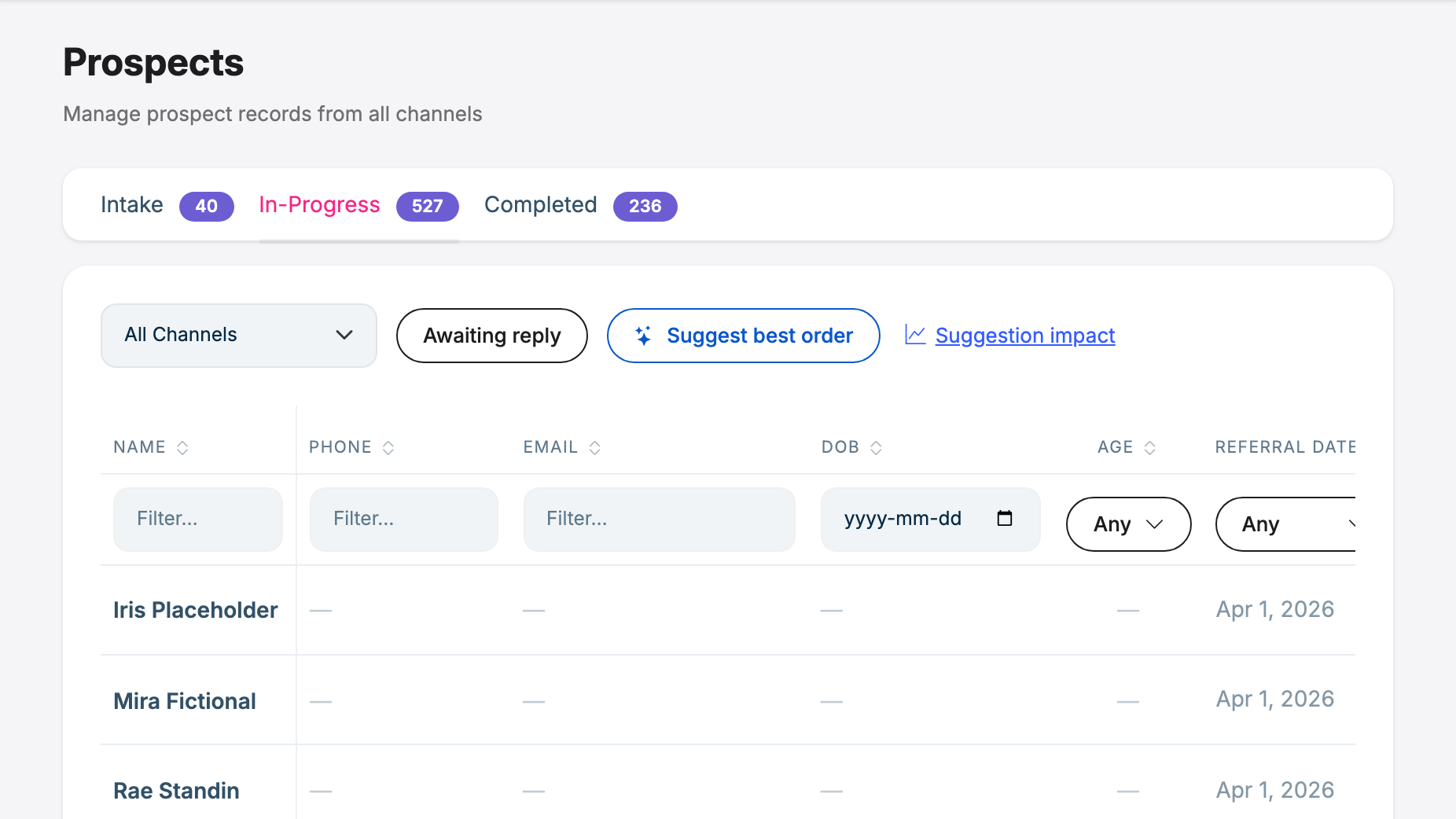
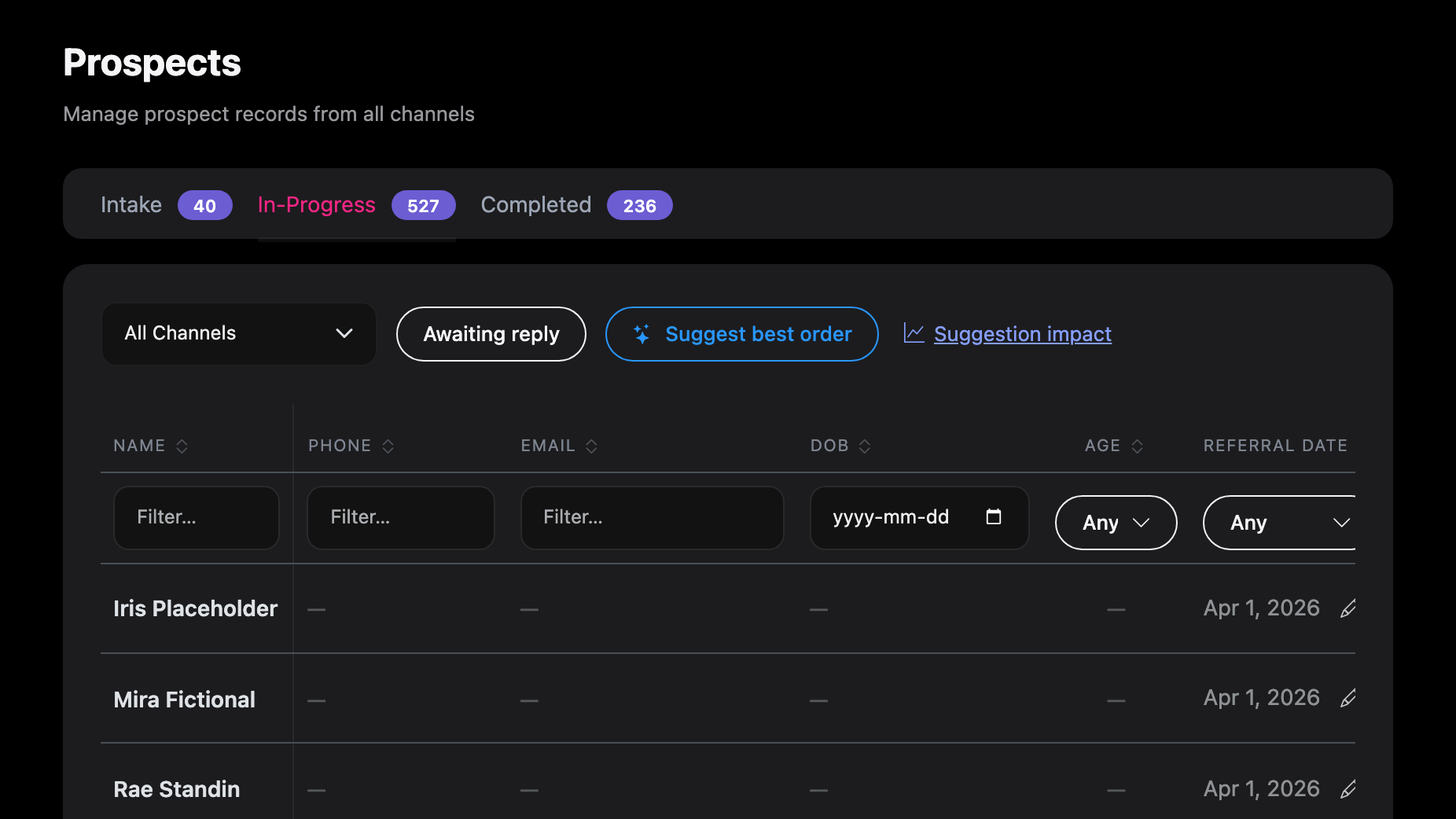
2026.10.4 a suggested order for your referral list, a same-day reply goal, and signed notes

Work a long referral list without missing anyone: a suggested call order, a same-day reply goal, and notes that say who wrote them.

  • Prospects: Suggest best order ranks in-progress referrals and explains why, so patients waiting on the clinic come first and referrals that have gone quiet or said no can be closed.
  • Reply inbox: a same-day reply goal, with Late and Due today markers on every conversation waiting for a reply.
  • Prospects: General Notes becomes a signed notes log, so everyone can see who wrote each note and when.

2026.10.3 putting live callers through to staff, and staying signed in across tabs

Callers you take over hear hold music while your phone rings, and the portal stays signed in across several tabs.

  • Sign-in: staff with the portal open in more than one tab are no longer sent back to the login page when their session refreshes.
  • Phone line: when a staff member takes over a live call, the caller hears hold music while it rings and is told the care team will call back if nobody answers.

2026.10.0 count referrals by the date on the letter, and by who referred them

Count referrals by the date on the referral letter, filter them by referring or assigned physician, and see escalated portal messages.

  • Referral report: count referrals by the date on the referral letter, and filter by referring physician or assigned physician.
  • Patient portal: a patient message the assistant hands to a coordinator now shows as Escalated on the thread.

2026.9.12 a follow-up email from your own template, and a text that failed says so

AI Scribe can now write a document such as the patient's follow-up email from a template your clinic wrote, and can do it after the note is signed. Several screens now say plainly when something didn't happen. A text the carrier refused shows as failed instead of looking sent. The Day-5 summary says whether the patient was told their results are ready, and if not, why.

2026.9.11 a claimed conversation stays with your team on the phone too

When someone on your team has claimed a conversation, the assistant already stayed out of it by text, portal and email. It now stays out of phone calls as well: the caller hears that the care team has their request and will call back, and the call ends. Also in this release: confirming a referral no longer fails on a date of birth written day-first, you can look up a prospect by typing their date of birth, and the AI Scribe's start and audio instructions are smoother.

2026.9.10 the AI Scribe can record a patient who is on a call

Some consultations happen with the patient on the phone or a video call, and on a headset the patient's voice never reaches the microphone. The AI Scribe can now take the call's audio as its own channel beside the microphone, so the note is written from both sides of the conversation, and the consent dialog has a version written for a patient who is on the call. This is off by default and turned on per clinic. Also in this release: the Prospects date filters let you finish typing a year, and two ways a Scribe recording could be interrupted are closed.